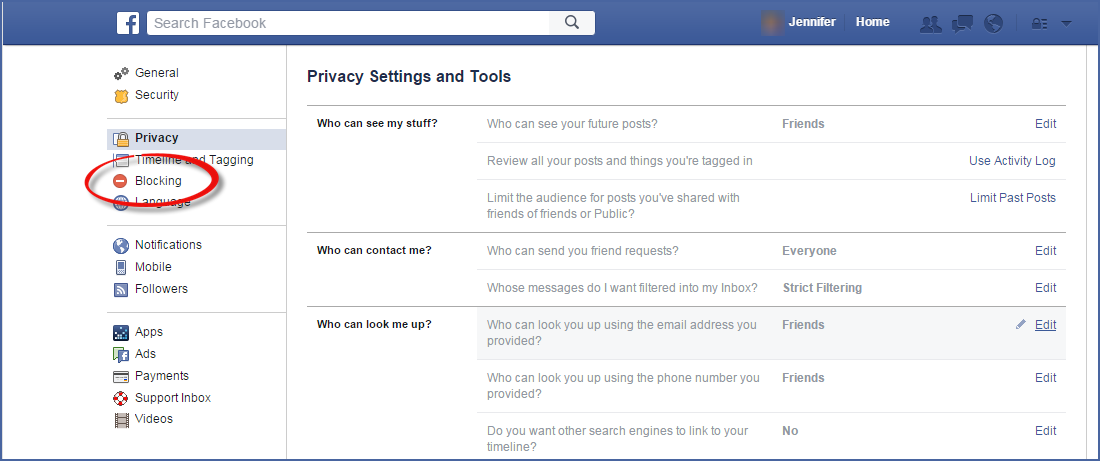
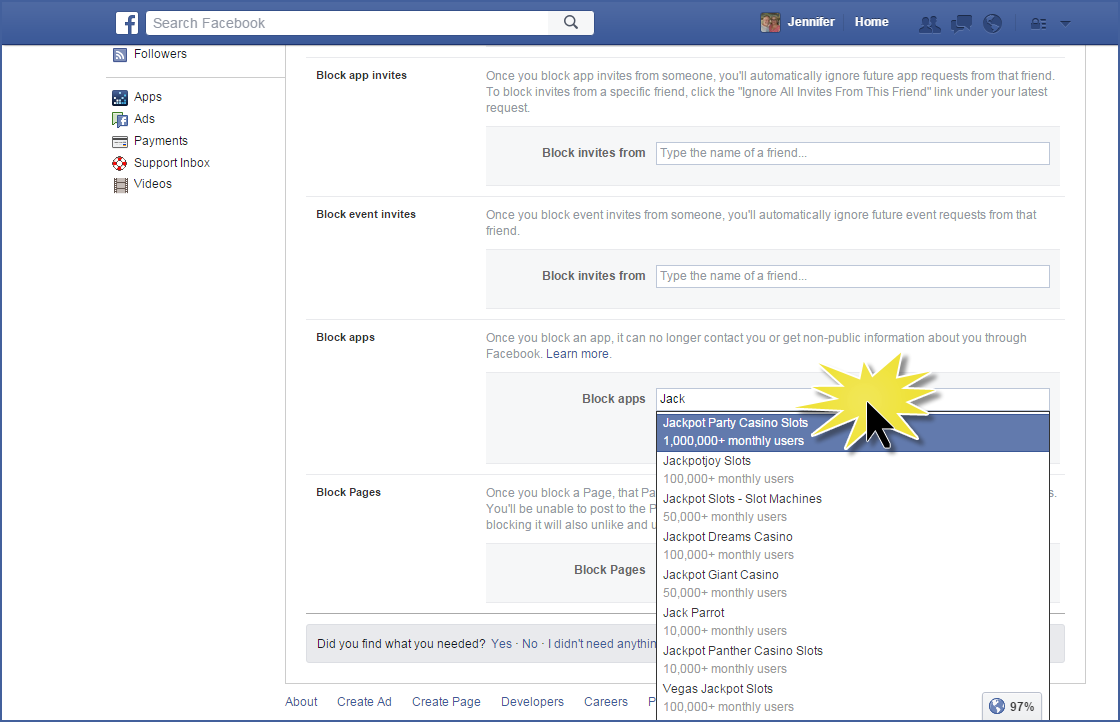
Today’s PSA: What to do if an App automatically posts for you.
Have you ever had an App automatically post for you? You will know, because it posted one of those “game” results, or something that makes you cringe, and YOU didn’t post it. This happened to me today. I found out because someone “Liked” the post. I was horrified, as I didn’t choose it. People often think they have been hacked when this happens.
What may have happened is that at some point, you clicked on a “fun” game, and gave the app permission to post for you. But in this case, the app turned evil and decided to post for you when you weren’t looking.
Here’s what you do:
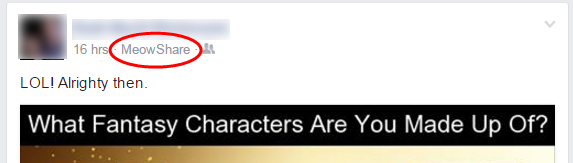
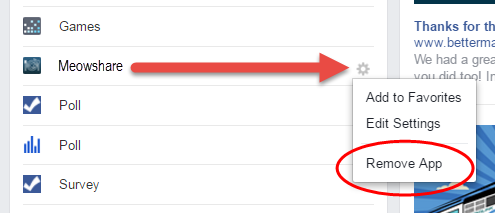
- Look next to the time stamp on the post to find the name of the App. In this example, it’s MeowShare.
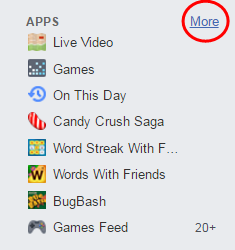
- Look on the left side of your Home screen. Among everything else, you’ll find a list of Apps. If you hover over the area, the More link will show up. Click the More link.
- You’ll switch screens to see a full list of Apps that your Facebook account is using. Find the app in the list, and click the gear button at the far right.
- Choose Remove App from the drop down menu.
Be sure to look through the list to see if there are any other apps you may want to delete. If you like to play those games, you’ll probably have a lot of them. Remember that each of these apps collects information from you. Remove them to stop that data collection.